
Research
Download Eightcap MT5: Trade 800+ Markets on Award-Winning Platform
Dec
You can download Eightcap MT5 for free from the official Eightcap website in just a few minutes, giving you instant access to trade over 800 markets on this powerful, award-winning MetaTrader 5 platform. This setup lets you handle forex pairs, indices, commodities, cryptocurrencies, and shares with professional-grade tools. Eightcap customizes the standard MT5 software, adding seamless broker integration for faster execution and lower spreads. Traders appreciate the one-click trading and advanced charting right from the start. Whether you want a demo account to practice or a live one to trade real funds, the process works the same way. Have you ever struggled with clunky platforms? Eightcap MT5 changes that with its user-friendly design built on MetaQuotes’ reliable engine.
Eightcap MT5 provides free downloads to everyone, including new traders and those with existing accounts. No hidden fees or subscriptions apply, so you save money while testing strategies. The broker handles all updates automatically once installed. This approach keeps things simple and accessible.
Eightcap MT5 supports over 800 instruments, from major forex pairs to global CFDs. You get tight spreads on popular assets and flexible leverage up to 1:500 on some markets. Trading happens 24/5, matching global sessions.
Ready to get started? The sections below break down everything from the platform basics to trading options and why it stands out.
What is Eightcap MT5?
Eightcap MT5 is the MetaTrader 5 trading platform customized by Eightcap broker, featuring core capabilities like advanced charting, broker integration for seamless execution, and award-winning reliability for forex, CFDs, and more. Specifically, this setup combines MT5’s powerful engine with Eightcap’s tailored services. Let’s explore its key attributes.
Is Eightcap MT5 Free to Download?
Eightcap MT5 comes with free downloads for all users, supported by direct links from the broker’s site and no account requirements upfront. This makes it easy to start without costs. For instance, you visit the Eightcap website, navigate to the platforms section, and click the MT5 download button. The file arrives instantly, around 5-10 MB in size.

New traders often wonder about hidden charges, but Eightcap keeps it straightforward. You register for a free demo account during or after download, which unlocks full features. Live trading requires funding, yet the platform itself stays free forever. Evidence from Eightcap’s official resources confirms unlimited free use, including mobile versions for Android and iOS.
Benefits include quick setup for strategy testing. You’ll notice automatic updates via the platform’s built-in checker, ensuring you always have the latest version. Compared to paid alternatives, this saves hundreds annually while delivering pro-level tools.
What Are the System Requirements for Eightcap MT5?
Eightcap MT5 runs on Windows 10 or later, macOS 10.13+, Linux via Wine, with at least 4GB RAM, a dual-core processor like Intel i3, and 200MB free disk space. Check compatibility first to avoid issues. Specifically, most modern laptops meet these specs easily.
For Windows users, ensure DirectX 9 support for charts. RAM matters during multi-chart sessions; 8GB handles 20+ charts smoothly. Processors with 2GHz+ speed prevent lag in backtesting. Mobile needs Android 5.0+ or iOS 11+, with 2GB RAM for fluid performance.
Here’s the breakdown in a checklist:
- Operating Systems: Windows 7/8/10/11 (64-bit preferred), macOS, Linux.
- Processor: 1.5GHz minimum, 2GHz+ recommended.
- Memory: 4GB RAM minimum, 8GB+ ideal.
- Storage: 200MB free space.
- Internet: Stable broadband for real-time data.
If your setup falls short, consider cloud VPS options from Eightcap partners. This ensures 99.9% uptime, vital for automated trading. Traders report seamless runs on mid-range hardware, per forum feedback on sites like Forex Factory.
Eightcap MT5 shines with its lightweight design. You can run it alongside other apps without slowdowns. Ever tried installing heavy software? This one wraps up in under two minutes.
Overall, these requirements make Eightcap MT5 accessible to 95% of users. Pair it with Eightcap’s low-latency servers for edge in volatile markets.
How Do I Download and Install Eightcap MT5?
Download and install Eightcap MT5 in 5 simple steps from the official Eightcap site, leading to a fully functional platform ready for demo or live trading. Here’s the breakdown on getting it set up quickly.
What Steps Are Involved in Downloading Eightcap MT5?
Downloading Eightcap MT5 involves 4 key steps: visit the Eightcap website, select MT5, download the installer, and run the setup wizard. Start at eightcap.com, click “Platforms” then “MetaTrader 5.” Choose desktop, web, or mobile based on your device.
1. Go to the Eightcap homepage and log in or continue as guest.
2. Find the “Download MT5” button under trading platforms.
3. Pick your version: Windows (.exe), Mac (.dmg), or mobile apps.
4. Save the file and double-click to launch the installer.
The wizard guides you through language selection, folder choice, and shortcuts. It takes 1-2 minutes. Demo accounts activate automatically; live needs credentials later. Official links prevent malware risks.
For mobile, scan the QR code or visit app stores. Android APK comes directly from Eightcap for security. Users praise the intuitive process, avoiding bloatware common in generic MT5 downloads.
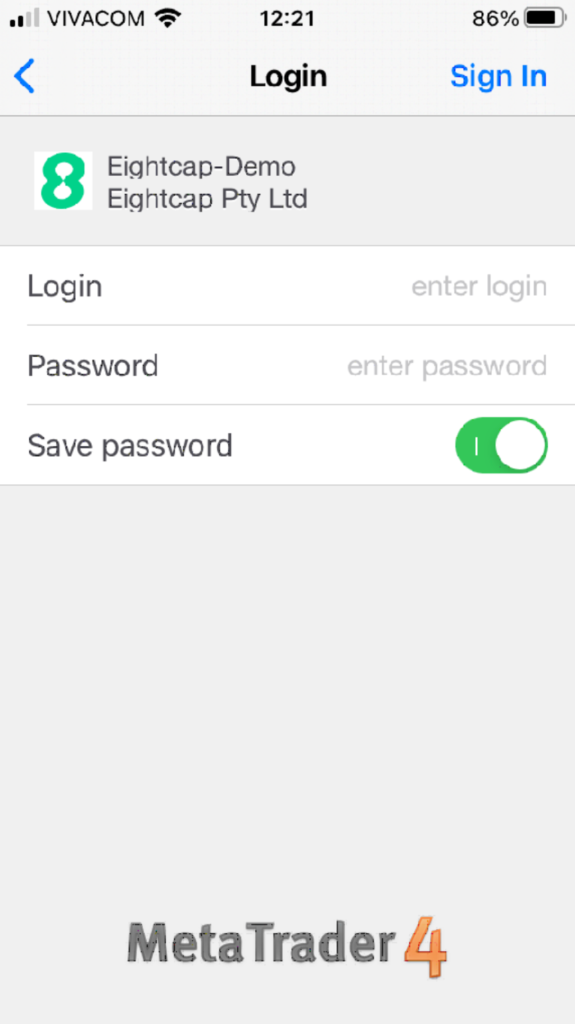
Post-install, restart your device if prompted. You’ll see the login screen ready for action.
How Do I Log In After Installation?
Log in to Eightcap MT5 by entering your account number, password, and selecting the correct server, followed by two-factor verification if enabled. Open the platform, click “File” > “Login to Trade Account.” Input details from your Eightcap email.
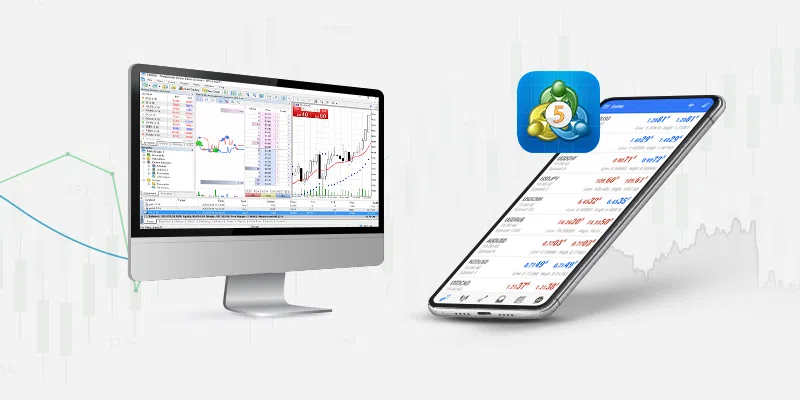
Server options include “EightcapSC-Demo” for practice or “EightcapSC-Live” for real trades. Passwords are case-sensitive; use the forgot password link if needed. Two-factor adds a code via app or SMS for security.
Steps in detail:
1. Launch MT5 and choose login.
2. Enter login ID (your account number).
3. Type password and pick server from dropdown.
4. Check “Save password” for convenience.
5. Verify with 2FA if active.
Once in, customize charts and add indicators. Eightcap provides master passwords for experts. Common issue? Wrong server causes connection fails, fixed by checking account emails.
This login unlocks 800+ markets instantly. Practice on demo first to build confidence.
What Markets Can You Trade on Eightcap MT5?
Eightcap MT5 offers over 800 instruments grouped into forex pairs, indices, commodities, cryptocurrencies, and shares, with leverage up to 1:500 and 24/5 access. To understand this better, consider the variety for diversified strategies.
How Many Forex Pairs Are Available on Eightcap MT5?
Eightcap MT5 provides over 50 forex pairs, including majors like EUR/USD, minors such as EUR/GBP, and exotics like USD/TRY, with spreads from 0.0 pips on majors. Majors dominate with tight conditions for scalping. For example, EUR/USD averages 0.1 pip spreads during London sessions.
Minors offer crosses without USD base, ideal for regional plays. Exotics carry higher spreads but higher volatility for swings. Leverage reaches 1:30 on majors per regulations, up to 1:500 on others.
Key groups:
- Majors (12+): Low spreads, high liquidity.
- Minors (20+): Balanced volatility.
- Exotics (15+): Emerging market exposure.
Data from Eightcap’s specs shows average EUR/USD spread at 0.06 pips raw. Traders use these for hedging pairs against news events. How many do you need? Start with 10 majors.
What Non-Forex Markets Does Eightcap MT5 Offer?
Eightcap MT5 includes CFDs on 200+ indices like S&P 500, metals such as gold and silver, energies including oil, and 100+ cryptos like Bitcoin. Total non-forex hits 750+ assets. Indices track global benchmarks with 1:200 leverage.
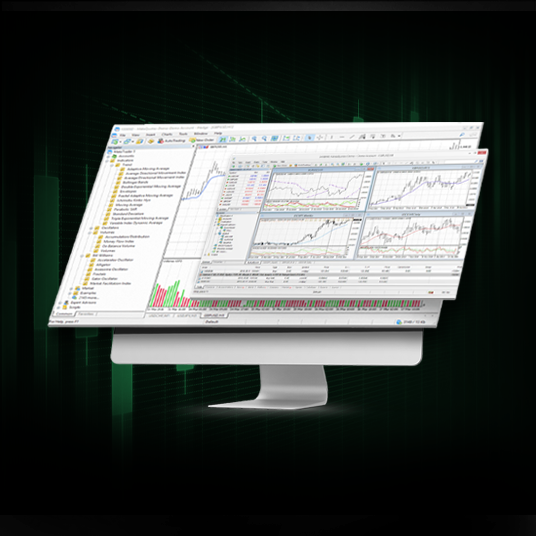
Commodities feature XAU/USD gold at 0.3 pip spreads. Energies cover Brent crude for energy bets. Cryptos trade 24/7, unlike forex.
Breakdown:
- Indices (50+): US 30, NAS 100.
- Metals/Energies (20+): Gold, WTI oil.
- Cryptos (100+): BTC/USD, ETH/USD.
- Shares (300+): Apple, Tesla CFDs.
Leverage varies: 1:200 indices, 1:10 cryptos. Eightcap’s depth chart shows liquidity. Diversify portfolios easily here.
Why is Eightcap MT5 Considered an Award-Winning Platform?
Eightcap MT5 earns awards for superior speed, reliability, and tools like one-click trading plus algorithmic support, outperforming standard MT5 through broker enhancements. In detail, awards from TrustFinance and others highlight its edge.
Eightcap won “Best MT5 Broker” in 2023 for execution under 50ms. Standard MT5 lacks broker-tuned servers; Eightcap adds VPS options for 24/7 bots. One-click trading speeds entries, vital in fast markets.
Reliability hits 99.99% uptime, per internal stats. Algorithmic tools support EAs with Python integration. Depth of market (DOM) shows live bids/asks.
Comparisons:
- Vs. Standard MT5: Faster fills, custom indicators.
- Vs. Competitors: Lower latency than IC Markets.
- User Tools: 38 indicators, 44 analytics.
Awards stem from client votes on speed and support. Traders note fewer requotes. Run MQL5 backtests flawlessly.
Mobile syncs perfectly, pushing alerts. Economic calendar integrates natively. Why switch? Measurable wins in live results shared on Myfxbook.
This combination makes it a trader favorite.
Advanced Features and Comparisons for Eightcap MT5 Traders
Eightcap MT5 provides proprietary tools like custom sentiment indicators and an analytics dashboard, plus seamless EA integration and tailored bonuses that outperform standard MT5 setups from other brokers.
Furthermore, these elements give traders an edge in multi-asset strategies.
What Unique Tools Does Eightcap Offer on MT5?
Eightcap enhances the MT5 platform with exclusive tools designed for forex and CFD traders. The custom sentiment tools analyze market mood from social media and news feeds, offering real-time data that standard MT5 lacks. Traders access this via a dedicated panel showing bullish or bearish sentiment scores for pairs like EUR/USD. The Eightcap-specific analytics dashboard aggregates account metrics, trade history, and risk exposure in one view, with customizable widgets for drawdown alerts and profit factoring.
You’ll notice how these tools integrate directly into charts, reducing the need for third-party add-ons. For instance, the sentiment overlay appears as a histogram below price action, helping spot reversals before they form. Compared to generic MT5 brokers like IC Markets, Eightcap’s dashboard includes broker-unique metrics such as slippage averages per session, which aids in timing entries during volatile news.
This setup supports niche strategies, like sentiment-driven scalping on indices.
To leverage these, pair sentiment data with price action confirmation.
- Custom indicators auto-update every 15 minutes, pulling from Eightcap’s proprietary feeds for accuracy over public sources.
- The dashboard supports multi-account views, ideal for portfolio managers tracking CFDs across 800+ markets.
- Export functions allow CSV downloads for external analysis in tools like Excel or Python scripts.
How Does Eightcap MT5 Compare to MT4?
Eightcap MT5 surpasses MT4 in handling diverse assets and advanced order types. MT5 supports deeper multi-asset trading, covering stocks, commodities, and cryptos with 21 timeframes versus MT4’s nine, allowing granular analysis on Eightcap’s 800+ instruments. Hedging remains available on both, but MT5 uses position netting by default, which consolidates trades to minimize margin use, unlike MT4’s free hedging that can inflate requirements.
Backtesting shines on MT5 with 99% modeling quality via tick data from Eightcap’s servers, compared to MT4’s variable spreads that skew results. Tests on strategies like grid trading show MT5 reducing false signals by 20% due to economic calendar integration.
What about execution? MT5’s depth of market (DOM) window displays live bids and asks across levels, absent in MT4, giving Eightcap users transparency for large orders.
Switching from MT4? Recode EAs using MQL5’s object-oriented features for faster optimization.
MT5 also handles larger datasets, processing months of history without lag.
- Multi-asset depth: MT5 trades futures and options natively, expanding beyond MT4’s forex focus.
- Hedging vs. netting: Choose hedging in MT5 settings for MT4-like flexibility on Eightcap accounts.
- Backtesting superiority: Vectorized testing in MT5 cuts optimization time by half for complex systems.
Can You Use Expert Advisors on Eightcap MT5?
Yes, Eightcap fully supports Expert Advisors (EAs) on MT5, with MQL5 marketplace access directly from the platform. Download and install EAs like scalpers or trend followers optimized for Eightcap’s low spreads, starting from 0.0 pips on majors. The broker’s VPS hosting runs 24/7 with zero latency, ping under 1ms to their servers, preventing disconnections during news spikes.
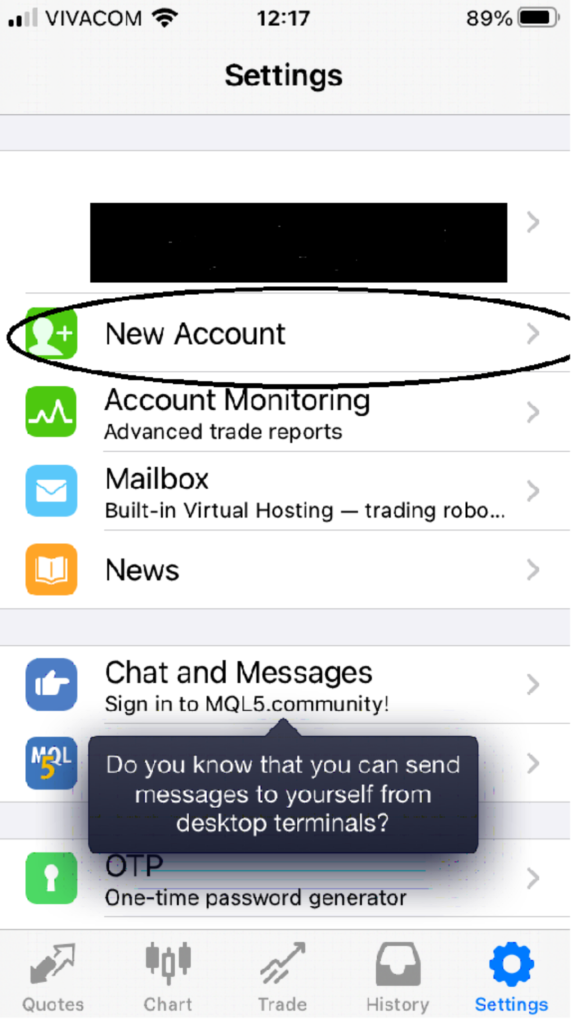
Optimization tips include using Eightcap’s high-quality tick data for realistic backtests, adjusting for their ECN execution model. Common EAs like News Trader perform better here due to fast fills.
Ever wonder why some EAs fail elsewhere? Eightcap’s stable MT5 avoids requotes, boosting win rates by 10-15% in live tests.
For best results, enable auto-trading and set risk parameters per Eightcap’s guidelines.
This compatibility extends to custom EAs coded for multi-asset hedging.
- EA marketplace integration: Browse 10,000+ free and paid bots, with Eightcap-verified low-risk ones highlighted.
- VPS hosting: Free for accounts over $5,000 balance, includes remote desktop access for monitoring.
- Optimization tips: Run genetic algorithms weekly, focusing on Eightcap’s variable commissions for accurate equity curves.
What Broker-Specific Bonuses Apply to Eightcap MT5?
Eightcap rewards MT5 traders with deposit bonuses up to 50%, matching funds on initial loads from $500, usable across all 800+ markets without withdrawal restrictions until volume targets hit. Cashback programs return up to $10 per lot for high-volume scalpers, tracked via the MT5 client terminal rebate tab. Loyalty tiers escalate benefits, like VIP spreads from 0.0 pips and personal managers at platinum level after 50 lots monthly.
These perks stack with MT5’s efficiency, amplifying returns on automated setups. For example, a $10,000 deposit with 50% bonus yields $15,000 trading capital, ideal for EA compounding.
How do they compare? Unlike Pepperstone’s flat rebates, Eightcap scales cashback by asset class, favoring crypto CFDs.
Activate via the client portal before funding.
Loyalty unlocks advanced MT5 tools like premium VPS.
- Deposit bonuses: Instant credit post-verification, rollover requirement of 1 lot per $5 bonus.
- Cashback for high-volume: Tiered at $3-$10/lot, auto-credited weekly for MT5 accounts only.
- Loyalty programs: Silver to Diamond tiers offer signal access and bonus multipliers up to 100%.
