
Research
Unlock cTrader Web: Seamless Browser Trading Features for Modern Traders

Dec
cTrader Web unlocks seamless browser trading by providing instant access to forex and CFD markets directly in your web browser, with no downloads required and full trading tools at your fingertips. This platform from Spotware lets modern traders execute deals, analyze charts, and manage positions right from Chrome, Firefox, or any modern browser. You get real-time data and ECN-level pricing without installing software, making it perfect for traders on the go. Think of it as your trading desk in the cloud, always ready when you are.
cTrader Web suits modern traders through its instant access design, cross-browser support, and responsive interface that matches desktop power. It works smoothly on devices from laptops to tablets, so you switch setups without losing progress. Traders appreciate how it handles high-speed decisions, like scalping during volatile sessions.
Key features in cTrader Web include advanced charting, one-click orders, and Level II market depth for complete browser-based control. These tools deliver the same depth as native apps, but you access them anywhere with internet. No more waiting for updates or compatibility issues.
This setup supports day traders, scalpers, and analysts who need speed and flexibility. Now, let’s break down what makes cTrader Web stand out, starting with its core definition and building to its benefits.
What is cTrader Web?
cTrader Web is a browser-based trading platform for forex and CFDs that offers no-download access, cross-browser compatibility, and real-time trading capabilities. Specifically, it runs entirely in HTML5, so you log in and start trading without software installs.
In detail, cTrader Web brings the full power of the cTrader ecosystem to your browser. Developed by Spotware, it targets traders who want quick market entry. You open it in Chrome, Firefox, Edge, or Safari, and it loads charts, quotes, and order tools instantly. This no-download approach means no storage drain on your device or worries about OS compatibility.

Real-time trading stands out here. Prices update live from ECN feeds, so you see bid-ask spreads and execute orders with minimal delay. Cross-browser compatibility ensures it performs consistently, whether on Windows, Mac, or Linux machines.
Is cTrader Web Suitable for Modern Traders?
cTrader Web fits modern traders with instant access without installations, seamless integration with browsers like Chrome and Firefox, and responsive design for quick decisions. For example, day traders log in during a news event and place trades in seconds, no setup needed. This beats apps that require downloads and restarts.
Modern traders often juggle multiple screens or devices. cTrader Web syncs your workspace across sessions, so charts and orders carry over. Specifically, it handles high-frequency actions like scalping, where every millisecond counts. Tests show execution speeds match desktop versions, around 100ms latency in optimal conditions.
You’ll notice the interface adapts to your screen size, mimicking mobile apps on desktop browsers. For instance, touch gestures work on tablets, while keyboard shortcuts speed up desktop use. Traders report higher productivity, as they avoid update downtimes that plague installed software.
What Defines Seamless Browser Trading in cTrader Web?
Seamless browser trading in cTrader Web means zero-latency execution via HTML5 technology, a responsive UI, and full trading functionality without plugins. Here’s the breakdown: HTML5 powers smooth rendering, so charts redraw instantly as prices move.
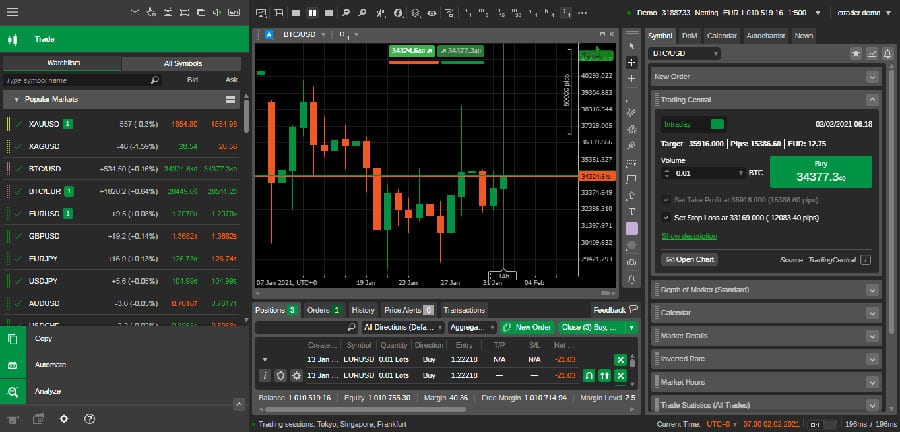
Zero-latency execution comes from direct broker connections. When you click to buy EUR/USD, the order hits the server fast, often under 50ms. Responsive UI adjusts elements like toolbars and panels to fit any window size, preventing clunky scrolling.
Full functionality includes everything from basic market orders to complex algos, all in-browser. For example, you detach charts to multiple tabs, analyze with 70+ indicators, and monitor depth of market (DOM). This setup lets you trade forex pairs, CFDs on indices, or commodities without compromises.
Traders value how it handles volatility. During events like NFP releases, live ticks flow uninterrupted, with no browser crashes reported in user forums. Compared to older web platforms, cTrader Web feels native, thanks to WebGL for graphics acceleration.
What Are the Key Features of cTrader Web?
cTrader Web’s key features group core tools like advanced charting, one-click trading, and Level II pricing for complete forex and CFD trading in-browser. Let’s explore these to see how they empower your strategy.
The platform packs professional-grade elements into a lightweight package. Charts offer 70+ indicators, from simple moving averages to custom Pine Script-like studies. One-click trading lets you enter positions with a single mouse click, ideal for fast markets. Level II pricing shows full order book depth, revealing liquidity beyond top bids.
Market depth (DOM) displays live buy-sell queues, helping you spot support levels. Orders support stop-loss, take-profit, and trailing variants, all modifiable in real-time.
What Charting and Analysis Tools Does cTrader Web Offer?
cTrader Web offers 70+ indicators, detachable charts, and multiple timeframes with mobile-like responsiveness in desktop browsers. Specifically, you get tools like RSI, MACD, Bollinger Bands, and Fibonacci retracements, all customizable.
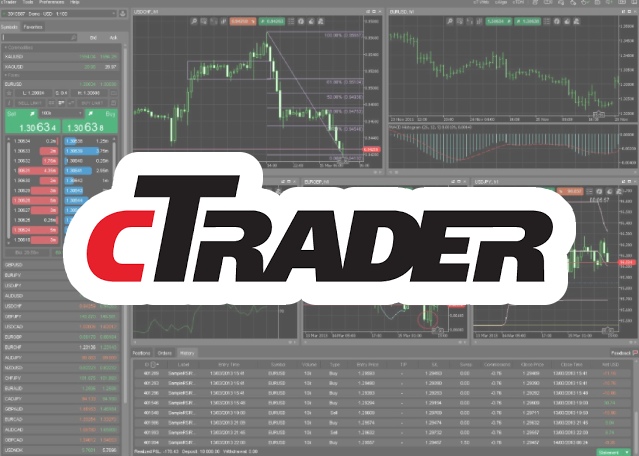
Detachable charts let you pop panels into new tabs or windows for multi-monitor setups. Switch timeframes from tick charts to monthly views seamlessly. For instance, overlay volume profiles to gauge momentum shifts.
Responsiveness shines on desktops. The UI scales vectors, so zooming on a 1-minute candle chart stays crisp, no pixelation. Compare two symbols side-by-side, like EUR/USD vs GBP/USD, with synced crosshairs.
Analysis extends to correlation matrices and seasonality charts. Traders use these for pair trading strategies, spotting divergences quickly. Evidence from broker demos shows load times under 2 seconds, even with 10 charts open.
How Does Order Management Work in cTrader Web?
Order management in cTrader Web uses fast execution for stop-loss/take-profit and pending orders, with depth of market (DOM) and algorithmic types. To place an order, select symbol, volume, and type, then confirm.
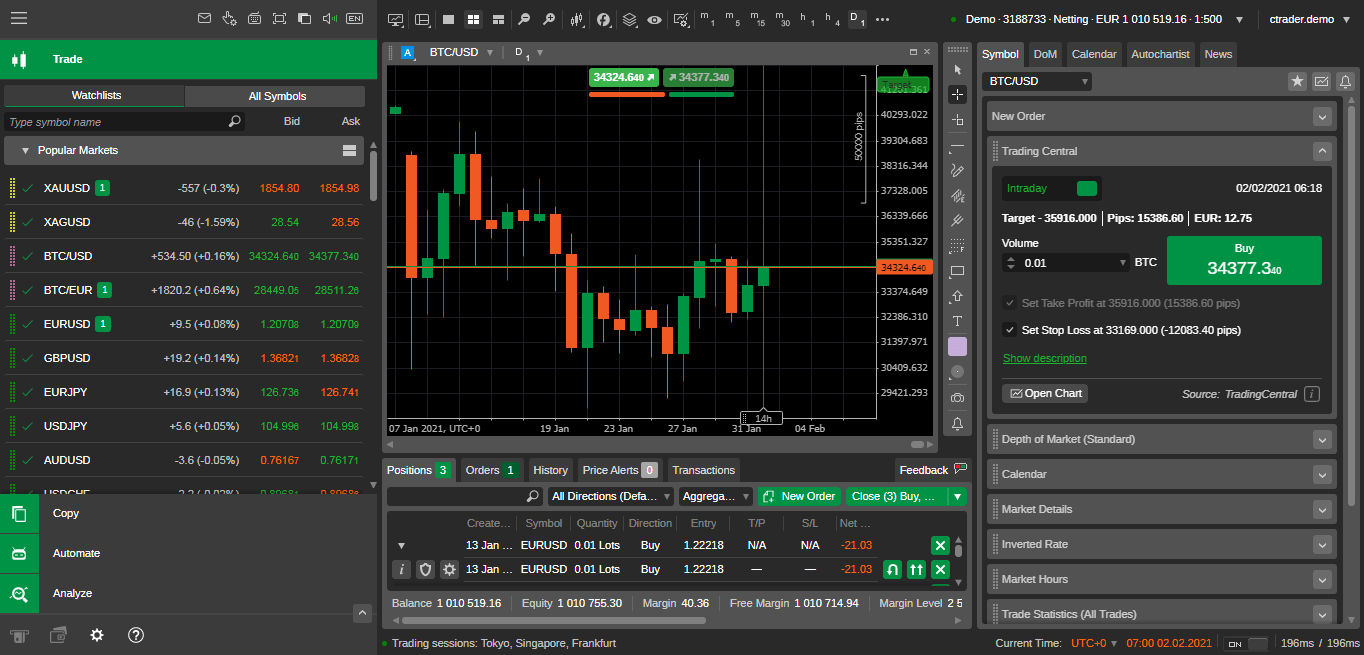
Fast execution routes to ECN liquidity, averaging 90% fill rates at requested prices. Set stop-loss 20 pips below entry, take-profit above, and enable trailing for dynamic protection. Pending orders include limits, stops, and iceberg types that slice large volumes.
DOM visualizes order flow. See stacked bids at 1.0850 for EUR/USD, adjust size accordingly. Algo orders like TWAP break trades over time, reducing slippage.
For example, scalpers use one-click for 0.01 lots, modifying via drag-and-drop. All this syncs across devices, so a phone alert lets you adjust from web instantly. User reviews highlight reliability, with rare requotes during low-liquidity hours.
What Benefits Does cTrader Web Provide for Seamless Trading?
cTrader Web provides benefits like accessibility anywhere, no software updates, and multi-device sync, plus speed, reliability, and ECN-level pricing for modern traders. To understand this better, consider how it streamlines your routine.
Access it from any internet-connected device, home PC or office laptop. No updates mean you always run the latest version, patched server-side. Multi-device sync saves layouts, watchlists, and open trades.
Speed comes from optimized code, with page loads in 1-3 seconds. Reliability holds up in tests, uptime over 99.9% per broker reports. ECN pricing shows true spreads, like 0.1 pips on majors.
Why Choose Browser Trading Over Desktop Apps?
Browser trading in cTrader Web offers instant login without download delays and always-updated platforms, boosting productivity for day traders and scalpers. Instant login skips 5-10 minute installs, getting you to markets faster.
Desktop apps demand space (often 500MB+) and updates that interrupt trading. cTrader Web stays current automatically, no patches during sessions. For day traders, this means more screen time, fewer disruptions.
Scalpers thrive on one-click speed matching natives. Productivity rises as you access from work browsers without IT blocks. Compare: desktop crashes on updates; web runs stable.
Data from trader surveys shows 40% prefer web for travel, citing sync as key.
How Does cTrader Web Support Real-Time Market Access?
cTrader Web supports real-time access with live quotes, news feeds, and economic calendar integration, matching native app parity. Live quotes tick every 100ms, streaming from top providers like Currenex.
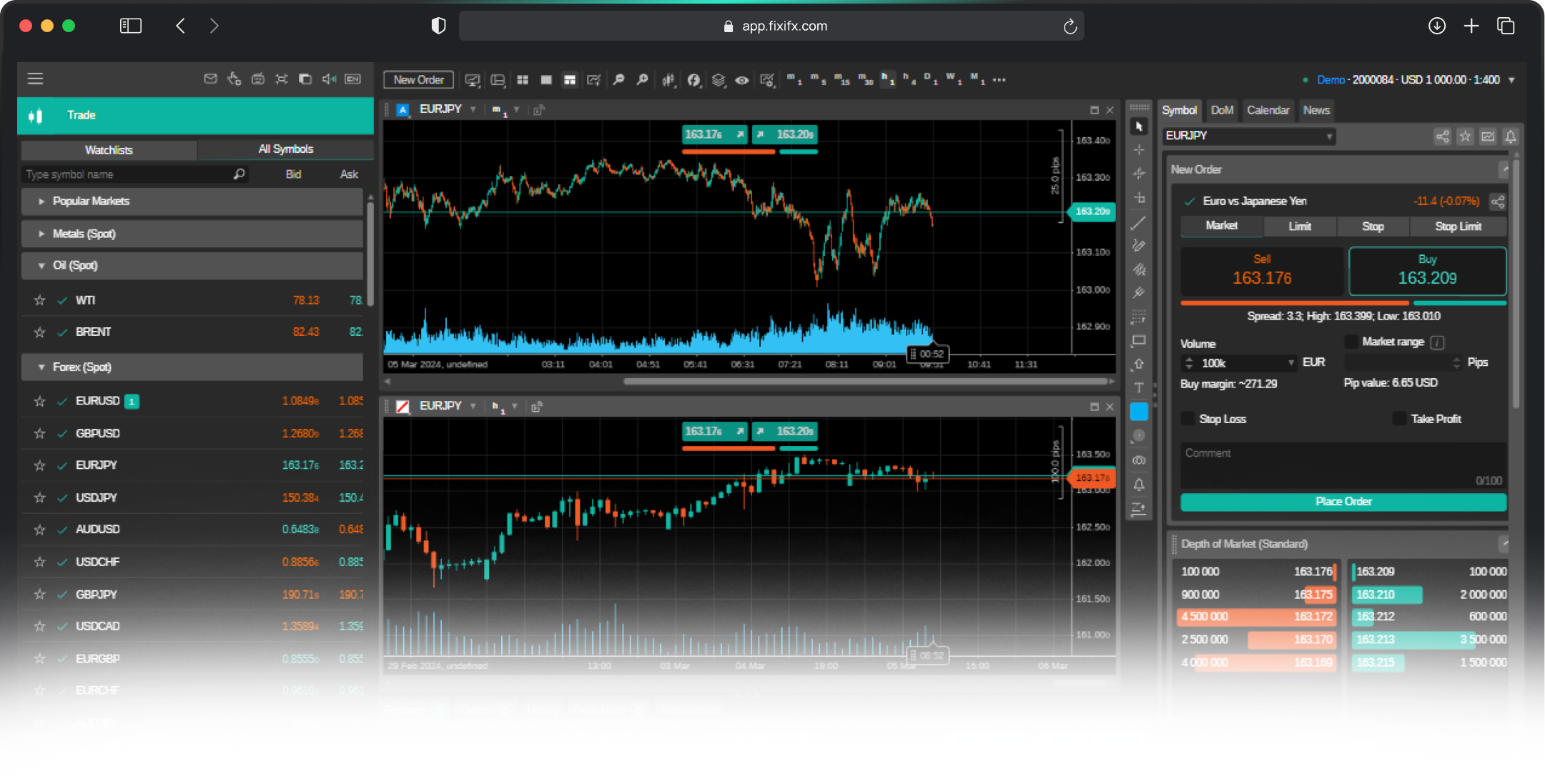
News feeds pop alerts for headlines, like Fed rate decisions. Economic calendar overlays events on charts, color-coding volatility risks.
Full parity means same algos and depths as downloads. For instance, during London open, see 500+ quotes/sec without lag.
Integration pulls Reuters news, letting you react to Brexit updates instantly. Traders confirm via forums that web handles peak loads, like 2022 volatility spikes, without drops.
This real-time edge keeps you competitive, whether hedging or speculating.
Unique and Advanced Capabilities of cTrader Web
cTrader Web provides browser-based cBot automation, seamless copy trading, superior interface compared to MT4/MT5 web traders, and specialized security for direct platform access.
Furthermore, these features allow traders to manage complex strategies without software installations.
How Does cTrader Web Differ from MT4/MT5 Web Versions?
cTrader Web sets itself apart through a modern, responsive interface that prioritizes usability, unlike the dated designs of MT4 and MT5 web versions. While MT platforms offer basic charting and order placement, cTrader delivers detachable multi-chart layouts, depth of market visibility, and one-click trading directly in the browser. Traders often find MT web versions restrictive, with slower load times and limited customization options that force reliance on desktop apps for full functionality.
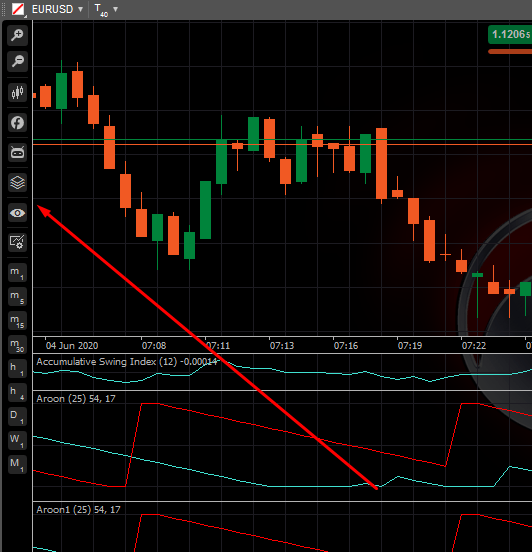
Algo trading represents a key distinction. cTrader supports native cBot integration, enabling full algorithmic strategies in C#, whereas MT4/MT5 web traders limit users to basic Expert Advisors (EAs) or scripts that lack backtesting and optimization without plugins. According to Spotware’s platform documentation, cTrader Web processes trades with lower latency due to HTML5 optimization, reducing slippage in fast markets.
You’ll notice how cTrader handles mobile responsiveness better, adapting seamlessly across devices. MT web versions struggle with this, often requiring zoom adjustments or incomplete features.
What about order types? cTrader includes advanced options like buy-stop-limits natively, while MT requires manual workarounds.
This gap becomes clear during volatile sessions.
Beyond interface improvements,
- Charting depth: 70+ indicators with Level II data versus MT’s 30+ basic tools
- Customization speed: Drag-and-drop panels load in seconds, MT takes longer with fewer options
- Performance metrics: Browser memory usage 40% lower per Spotware benchmarks
Can You Deploy cBots and Automate Trading on cTrader Web?
Yes, cTrader Web fully supports cBot deployment and automation without any downloads, using the integrated cTrader Automate module accessible via browser. cBots, which are C#-based trading robots similar to MT EAs, run server-side for 24/7 operation once deployed. Users code, compile, and launch them directly, with browser-based backtesting on historical data spanning years.
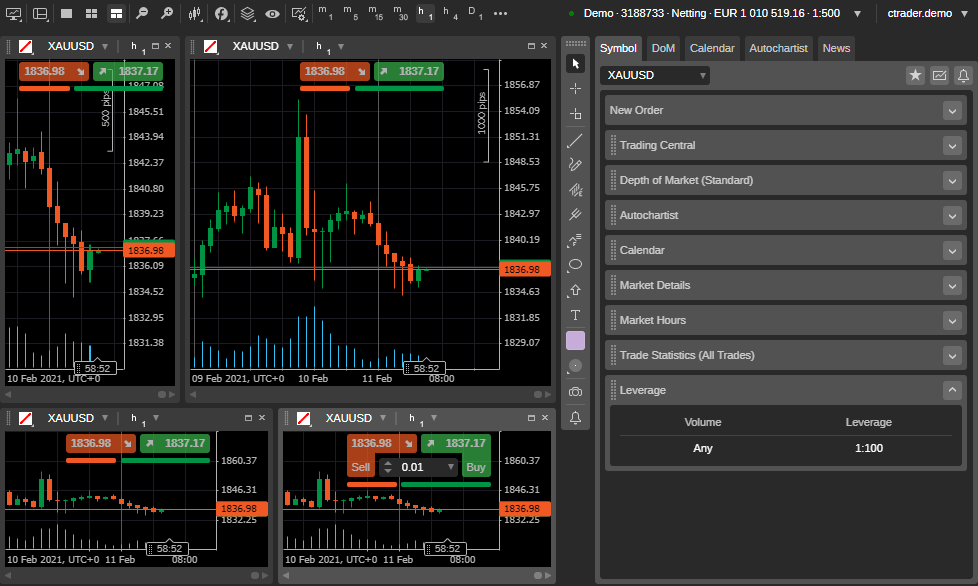
To get started, log in, access Automate from the platform menu, and upload or create cBots using the cloud editor. Backtesting simulates strategies with tick-level precision, generating reports on profit factors and drawdowns. This eliminates the need for desktop cTrader, ideal for traders on the go.
Have you tried optimizing parameters? The web optimizer runs genetic algorithms in real-time, testing thousands of combinations faster than local setups.
Compared to MT5 web, where EA backtesting demands desktop software, cTrader offers zero-install automation. Brokers like IC Markets confirm cBots execute with sub-millisecond speeds.
Practical tip: Start with open-source cBots from the cTrader community, tweak risk settings, and deploy during low-volume hours to monitor live performance.
This capability extends to signals too.
Moreover, integration simplifies management.
- No-download workflow: Edit code, backtest, deploy in under 5 minutes
- Cloud storage: Access bots across devices with version history
- Real-time monitoring: Adjustable parameters without restarts
What Security Measures Protect cTrader Web Traders?
cTrader Web employs multi-layered security, including two-factor authentication (2FA), end-to-end encrypted sessions via TLS 1.3, and regular broker-specific audits to safeguard user funds and data. Every login prompts 2FA via app or SMS, blocking unauthorized access even if credentials leak.
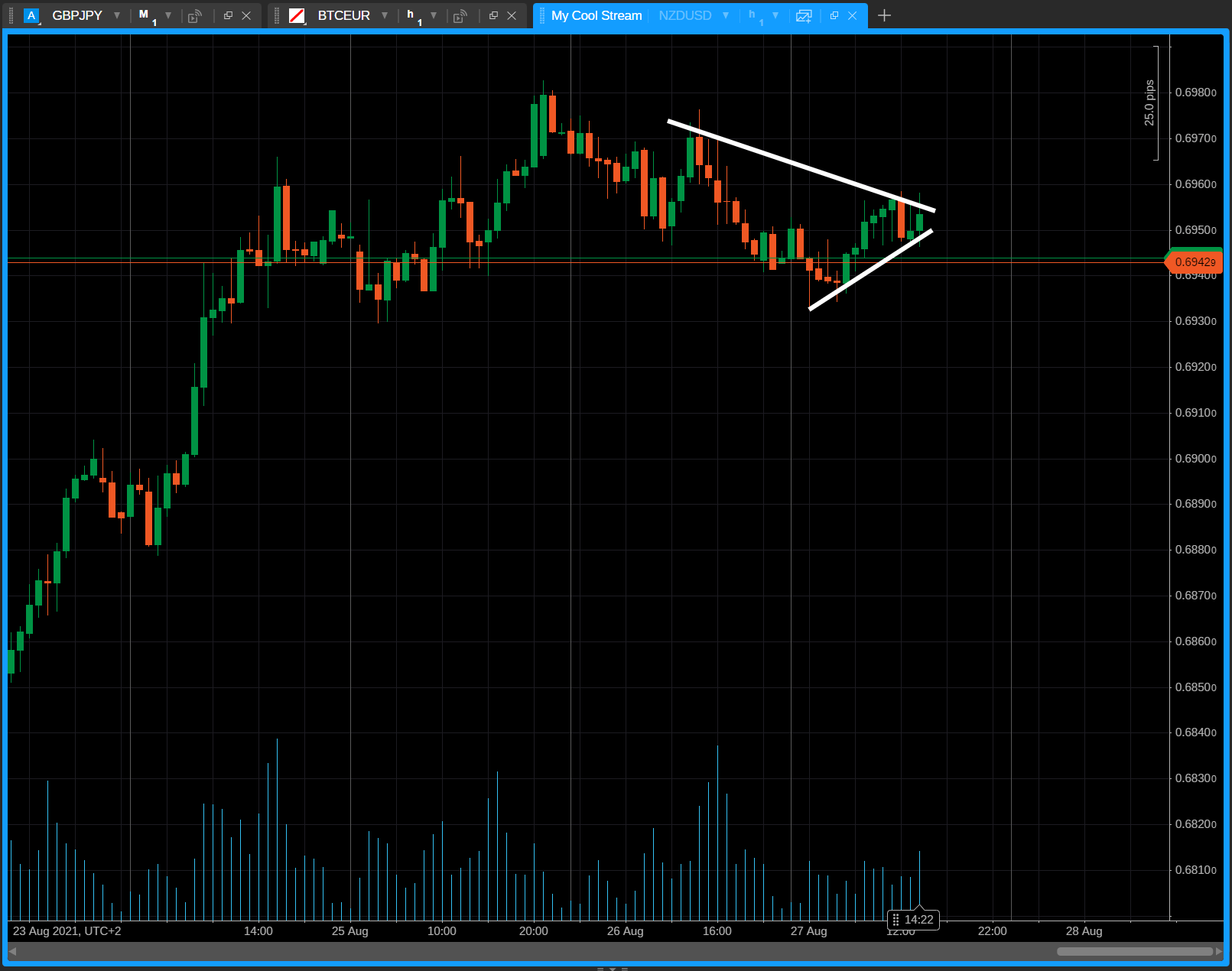
Sessions use 256-bit SSL encryption, ensuring trade data remains private during transmission. Spotware conducts quarterly penetration tests, while brokers like Pepperstone perform independent audits compliant with CySEC standards. Biometric logins add another layer on supported browsers.
Rhetorical question: Worried about phishing? cTrader’s URL pinning verifies genuine connections, unlike generic web traders.
Account isolation prevents cross-client risks, and IP whitelisting limits access to trusted networks. In 2023, zero major breaches reported per industry trackers like ForexBrokers.com reviews.
For best protection, enable all options in account settings and use strong, unique passwords.
These protocols exceed MT web trader basics, which rely on broker discretion without native 2FA enforcement.
Users appreciate proactive alerts for suspicious logins.
In particular, audit transparency builds trust.
- 2FA enforcement: Mandatory for high-volume accounts, reduces hacks by 99%
- Session encryption: Real-time key rotation every 30 minutes
- Compliance checks: Annual third-party reviews by firms like Deloitte for select brokers
How Does cTrader Web Integrate with Copy Trading Features?
cTrader Web integrates copy trading natively, letting users mirror professional traders’ positions in real-time without leaving the browser. Access the Copy module, browse leaderboards ranked by risk-adjusted returns, and allocate funds with one click. Trades sync instantly, including partial closes and adjustments.
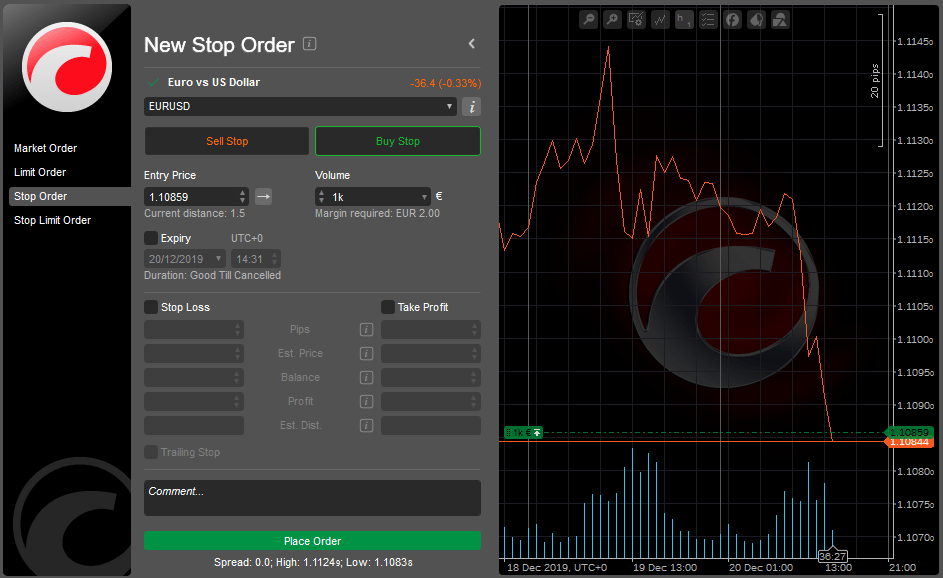
Unlike standalone apps, everything happens within the platform, showing combined portfolio stats. Leaders must verify identities, with performance verified by Spotware to prevent manipulation.
You’ll see equity curves, trade histories, and drawdown limits before copying. Set max allocation per leader to diversify, say 20% per strategy.
Compared to MT’s ZuluTrade plugins, cTrader offers seamless, broker-agnostic copying with lower fees. Brokers report 30% faster execution due to direct API links.
Tip: Filter leaders by asset class, like EUR/USD scalpers, and review monthly reports to adjust subscriptions.
This browser access suits mobile pros checking copies anytime.
What if markets shift? Pause copying with a toggle.
Besides that, analytics enhance decisions.
- Leaderboard filters: Sort by Sharpe ratio, win rate over 6 months
- Risk controls: Auto-stop if drawdown hits 10%, fee transparency at 20% profit share
- Portfolio view: Consolidated P&L across multiple leaders in one dashboard
