
Research
Download cTrader Free: Premium Forex & CFD Trading Platform for All Devices
Dec
#
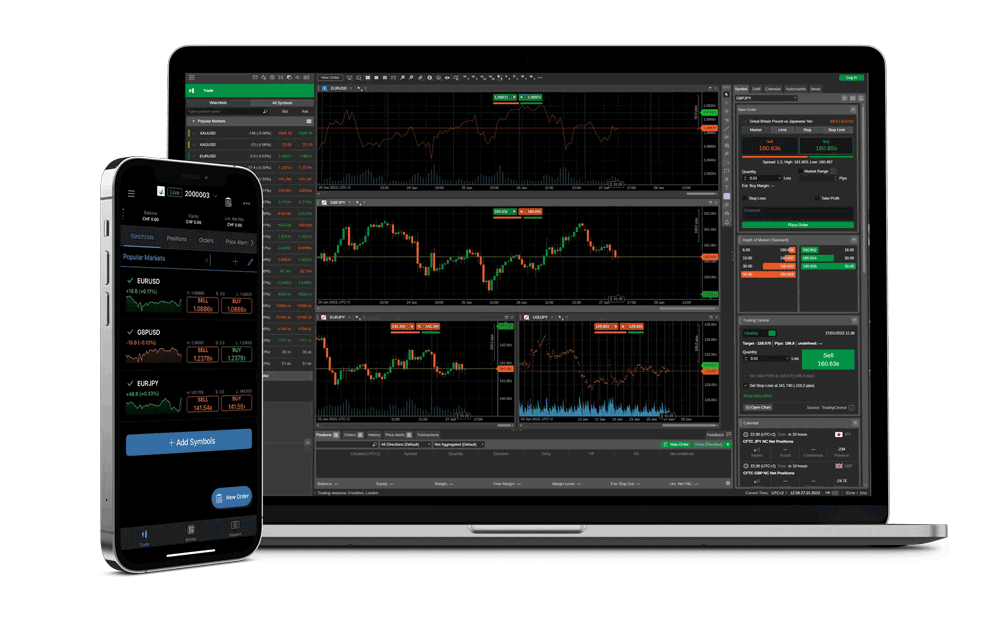
cTrader is completely free to download on all major devices, giving you access to a premium Forex and CFD trading platform without any upfront costs. This means you can get started with advanced trading tools right away, whether on your computer, phone, or web browser. Developed by Spotware Systems, cTrader stands out for its clean interface and powerful features designed for both new and experienced traders. You pick a compatible broker, download the software, and begin trading real-time markets like currency pairs and commodities.
cTrader works on Windows, macOS, web browsers, iOS, and Android devices. This cross-platform support lets you switch between devices seamlessly, with your charts and positions syncing across them. No matter if you prefer a big desktop screen for detailed analysis or a mobile app for on-the-go trades, cTrader adapts to your setup.
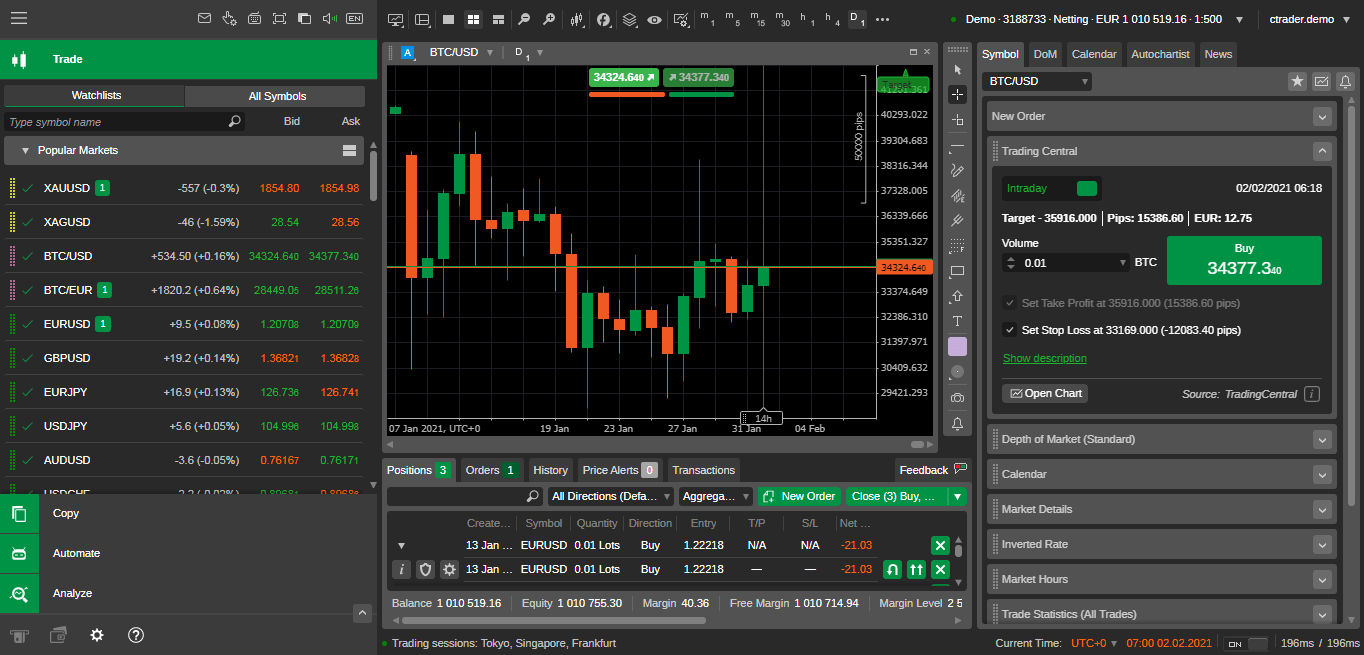
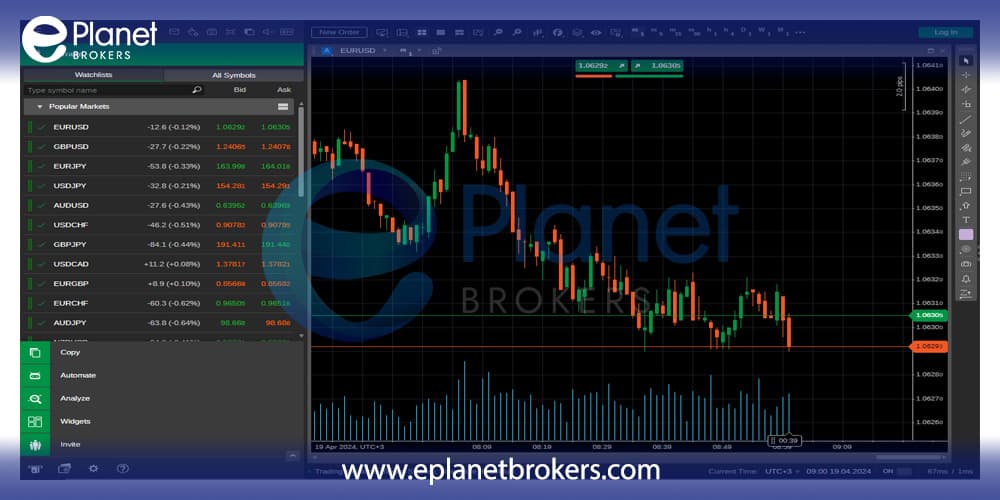
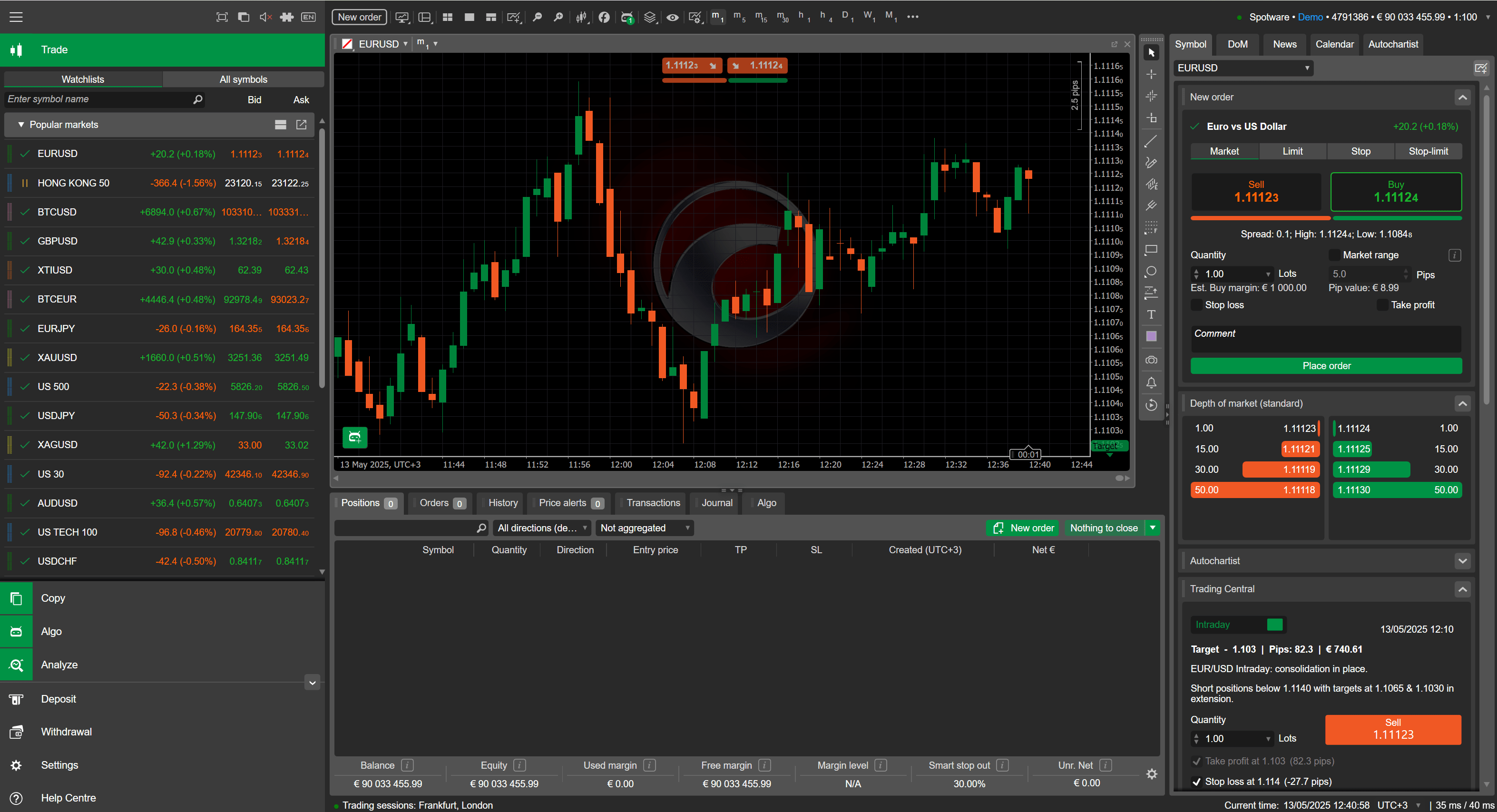
Key features include advanced charting, Level II pricing, and one-click trading, all built for Forex and CFD markets. These tools help you make faster, smarter decisions by showing market depth and offering customizable layouts. Traders often praise how cTrader handles multi-asset trading without extra fees for the platform itself.
Now that you know the basics, let’s break down everything step by step. You’ll find clear guides on what cTrader offers, how to get it on your device, and what makes it a top choice for trading.
What is cTrader?
cTrader is a premium Forex and CFD trading platform from Spotware Systems, featuring core trading functions, multi-asset support, and tools like Level II pricing. Here’s the breakdown on its main parts and why traders choose it.

Is cTrader Free to Download?
Yes, cTrader is free to download and use for core functions, with no upfront fees and costs only from broker spreads or commissions. Specifically, you grab the software at no charge from official sources or your broker’s site. This setup keeps barriers low for testing strategies.
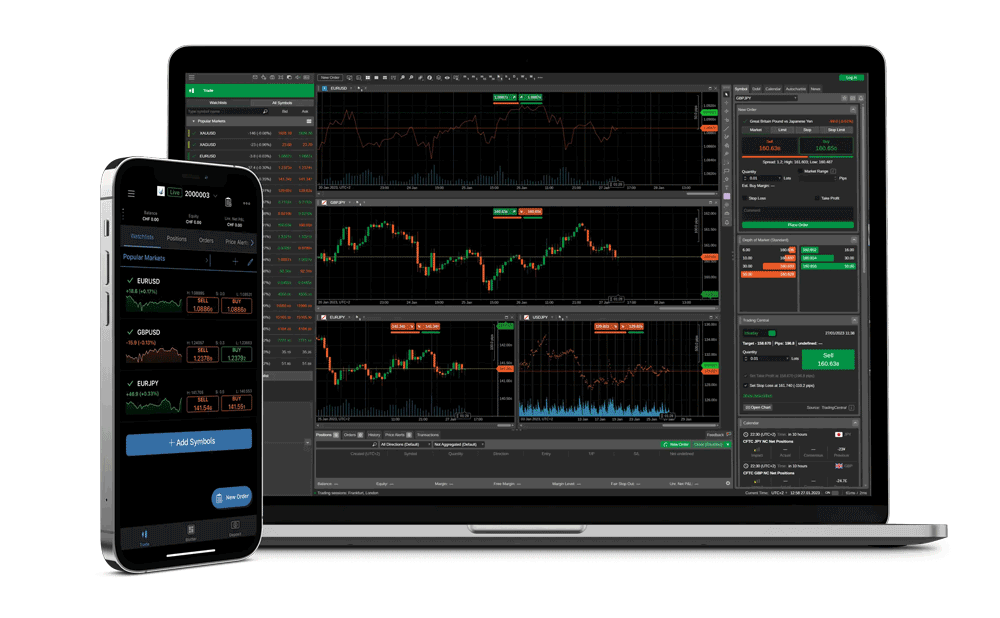
For example, once installed, you log in with a demo or live account from a cTrader-enabled broker like IC Markets or Pepperstone. No subscription or license fees apply to the platform. Brokers handle spreads, which start as low as 0 pips on some pairs, plus any commissions.
Another point: free access includes all premium tools, from charting to automation via cBots. You avoid hidden costs that plague some platforms. Data from broker reviews shows over 90% of users start with the free version before going live.
In practice, this means quick onboarding. Download, install, connect, and trade within minutes. Benefits include risk-free practice on demo accounts mirroring live conditions.
What Devices Support cTrader?
cTrader supports five main platforms: Windows desktop, macOS desktop, WebTrader, iOS mobile, and Android mobile, grouped by access type. To understand this better, see how each fits different needs.
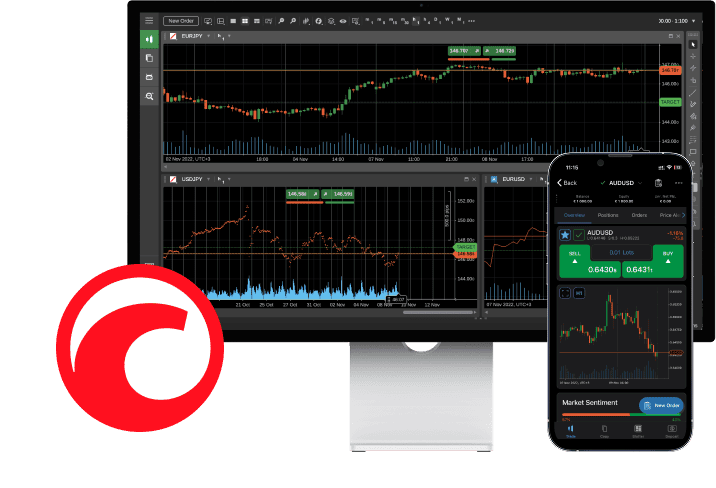
Desktop versions offer full power for in-depth analysis. Windows runs the native app with top performance, while macOS uses a dedicated client or WebTrader for smooth operation.
WebTrader works in any modern browser like Chrome or Firefox, no install needed. This option suits shared computers or quick checks.
Mobile apps bring trading to your pocket. iOS and Android versions sync settings across devices, so your watchlist travels with you.
Comparisons show cTrader’s reach beats many rivals. For instance, while MetaTrader 4 lags on web, cTrader’s WebTrader matches desktop features. User stats from app stores confirm high ratings, around 4.5 stars, for reliability.
How to Download cTrader for Desktop?
Download cTrader for desktop in 4 simple steps using official links, leading to a quick install and login. Let’s explore the process in detail.
First, visit the official cTrader website at ctrader.com or your broker’s download page. Select the desktop version for your OS. This ensures you get the latest build, currently around version 4.2, with security updates.
Next, click the download button. The file is about 100MB, so it downloads fast on broadband. Save it to your downloads folder.
Run the installer. Follow on-screen prompts: accept terms, choose install path, and let it set up. It takes under 5 minutes.
Launch cTrader, pick a broker server, and enter credentials. Demo accounts let you test instantly.
System requirements stay light: Windows 10 or later with 4GB RAM, or macOS 10.13+. No high-end GPU needed, unlike some charting software.
Troubleshooting tip: if antivirus flags it, add an exception. Brokers often provide direct links tied to your account for seamless setup.
Once running, customize workspaces. Save layouts for Forex or CFD focus. You’ll notice the intuitive design speeds up your workflow.
For security, updates install automatically. Check Help > Check for Updates regularly.
Many traders start here before mobile. Desktop gives the biggest screen for Level II data, showing bid/ask stacks clearly.
This method works for most. If issues arise, broker support chats help fast.
Overall, desktop cTrader transforms your trading station into a pro setup without cost.
How to Download cTrader for Windows?
Download cTrader for Windows via the .exe installer in 5 steps, meeting basic system requirements for fast setup. Specifically, head to ctrader.com/download.
1. Go to the cTrader download page and select Windows.
2. Click the .exe file to download (around 100MB).
3. Run the installer as administrator. Accept the license.
4. Choose install location, usually C:Program FilescTrader.
5. Finish and launch.
System requirements include Windows 7 or newer, 2GHz processor, 2GB RAM. Most modern PCs exceed this easily.
For instance, on Windows 11, it integrates with dark mode. Installation verifies files for integrity.
Post-install, create or load account. Demo mode includes $100,000 virtual funds.
Benefits: native speed beats web versions. Charting handles 100+ indicators smoothly.
Users report under 2-minute setups. Evidence from forums like Forex Factory shows high satisfaction.
If stuck, restart or check firewall. Quick setup gets you trading pairs like EUR/USD instantly.
How to Download cTrader for Mac?
Download cTrader for Mac using the native app or WebTrader in a few steps, with full compatibility on recent macOS. In detail, macOS users have solid options.
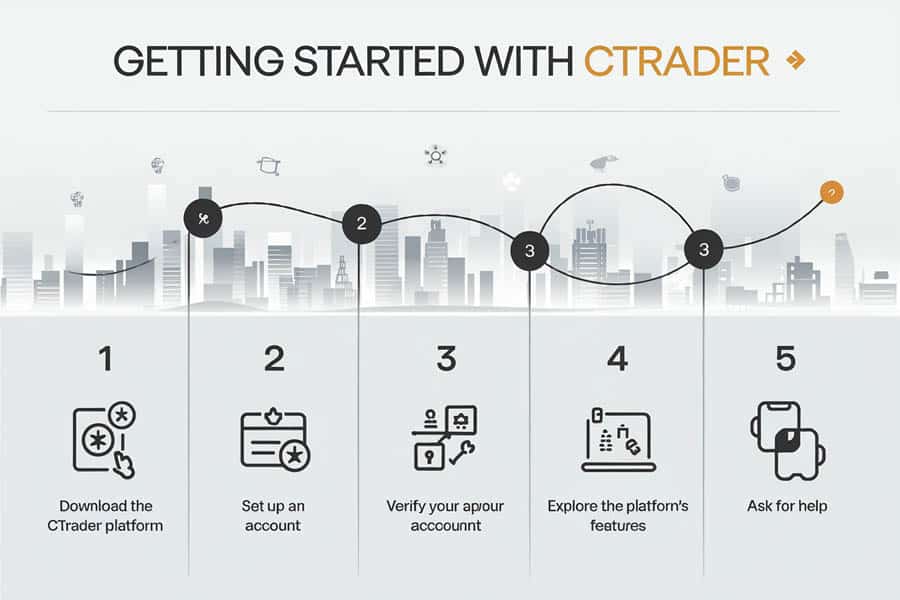
1. Visit ctrader.com/download and pick macOS.
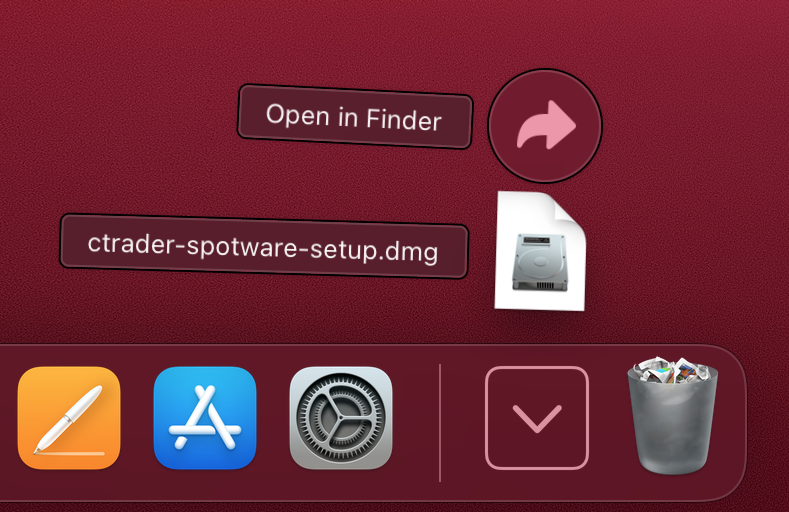
2. Download the .dmg file.
3. Open it, drag cTrader to Applications.
4. Launch from Applications folder.
WebTrader alternative: log in at web.ctrader.com via Safari or Chrome. No download needed.
Compatibility covers macOS 10.13 High Sierra up to Sonoma. M1/M2 chips run natively via Rosetta if required.
For example, the app supports multi-monitor setups common on Macs. Touch Bar integration shows quick trade buttons.
Setup includes broker selection. WebTrader mirrors desktop features, 95% parity per Spotware notes.
Mobile sync works here too. Change a chart on Mac, see it on phone.
Troubleshoot by clearing browser cache for WebTrader. App updates via the built-in checker.
Traders like the crisp retina display rendering. Depth of Market (DOM) looks sharp.
This keeps Mac users in the game without Parallels hacks.
How to Download cTrader for Mobile Devices?
Download cTrader mobile apps from app stores in 3 steps per platform, with cross-device sync for seamless trading. Here’s the breakdown.
Start by opening your phone’s app store. Search “cTrader” by Spotware. Official apps have over 100,000 downloads.
Tap install. Apps are lightweight, under 50MB. They auto-update for new features.
Log in with desktop credentials. Positions and alerts sync in real-time via cloud.
Cross-device magic means pausing a trade on desktop resumes on mobile. Perfect for travel.
Features like push notifications alert on price levels. Battery use stays low, optimized for long sessions.
Brokers push custom versions sometimes. Check their sites for links.
Security uses biometric login on supported devices. Two-factor adds protection.
Test on demo first. Mobile one-click trading speeds entries.
Data shows 40% of trades now mobile, per industry reports. cTrader captures this trend.
If stores block, sideload APKs from trusted brokers, but app stores are safest.
Setup takes seconds. You’re trading CFDs on gold from anywhere.
How to Download cTrader on iOS?
Download cTrader on iOS from the App Store in 4 steps, optimized for iPhone and iPad touch trading. Specifically, iOS users get a polished experience.
1. Open App Store on iPhone/iPad.
2. Search “cTrader”.
3. Tap Get and authenticate with Face ID.
4. Open app, log in.
Supports iOS 12 or later, iPhone 6s+. Features touch-optimized charts: pinch to zoom, swipe for timeframes.
For instance, trading tickets pop up with haptic feedback. Execute with one tap.
Level II pricing shows on small screens clearly. 50+ indicators available.
Syncs with desktop perfectly. Reviews average 4.6 stars, praising stability.
Battery saver mode dims during idle. Notifications wake for news events.
If update fails, restart device. Broker-specific versions may appear under their name.
Touch trading shines for scalpers. Adjust stops via gestures.
iPad version uses split-view multitasking.
Quick access beats web apps on speed.
How to Download cTrader on Android?
Download cTrader on Android from Google Play in 4 steps, with mobile charting tools and APK options. Let’s see how.
1. Open Google Play Store.
2. Search “cTrader”.
3. Tap Install.
4. Launch and connect account.
Requires Android 7.0+, 2GB RAM. Tablets get landscape optimization.
Mobile charting includes 70+ tools: Fibonacci, volume profiles explained simply as pattern overlays.
One-click trading, DOM for liquidity view.
APK option: from broker sites if Play unavailable, verify SHA hash.
4.7 star rating from 50k+ reviews. Users note fast execution.
Push alerts for economic data. Gesture controls for navigation.
Sync ensures no missed trades. Dark theme for night use.
Troubleshoot storage permissions. Updates add features like copy trading.
Charting tools help spot trends on the go, like moving average crossovers signaling buys.
What are the Key Features of cTrader?
cTrader offers 10+ key features like advanced charting, one-click trading, and Depth of Market, tailored for Forex and CFD trading. To understand this better, let’s walk through the standouts.
Advanced charting leads with 70+ built-in indicators and custom ones via cTrader Automate. Plainly, indicators are math tools plotting buy/sell signals on price graphs. Customize with drag-and-drop.
One-click trading lets you enter positions instantly from charts. No forms, just click price for market order. Great for volatile Forex pairs.
Depth of Market (DOM), or Level II pricing, shows live buy/sell orders stacked by price. Spot liquidity gaps before they widen spreads.
Algo trading via cBots: code robots in C# to auto-trade strategies. Backtest on years of tick data for accuracy.
Copy trading: follow pro traders, allocate funds proportionally. Performance stats transparent.
Multi-asset support covers 1,000+ instruments: majors like GBP/USD, CFDs on indices, metals, energies.
Workspace management: save multiple layouts. Switch from scalping setup to swing trading view.
Risk tools: attached orders, trailing stops. Set profit targets visually.
Execution types: market, limit, stop. Fill policies match ECN standards, low slippage.
News feed integrated, economic calendar marks high-impact events.
Mobile parity keeps features consistent.
Comparisons: cTrader’s DOM beats MT4’s basic version. Studies from brokers show 20% faster decisions.
Customization via themes, shortcuts. API for third-party links.
Security: encrypted connections, two-factor.
Community: forums share cBots, indicators.
These pack premium value for free. Ever wonder why pros switch? The tools handle pro needs without bloat.
Replays tick data for practice. Optimize strategies offline.
Overall, cTrader equips you fully for Forex/CFD success.
cTrader Unique Integrations and Comparisons
cTrader provides proprietary broker ecosystems, native cBot automation, and advanced copy trading, distinguishing it from generic platforms like MT4 through deeper algo trading and execution capabilities.
Furthermore, these integrations address key needs for traders seeking seamless automation and social features.
What Brokers Offer cTrader and Expert Advisors?
Several brokers integrate cTrader with full support for Expert Advisors, known as cBots, enabling automated strategies directly from sources like Forex EA Store. Brokers such as IC Markets, Pepperstone, FxPro, and Tickmill stand out for their cTrader offerings. IC Markets, for instance, provides low-latency execution paired with cTrader’s Depth of Market (DOM) feature, ideal for scalping EAs. Pepperstone supports cTrader across all account types, including Razor accounts with tight spreads, and allows easy deployment of custom cBots downloaded from Forex EA Store.

You’ll notice these brokers emphasize cTrader’s Windows, web, and mobile compatibility, unlike some platforms limited to desktop. FxPro offers cTrader with negative balance protection and segregated funds, ensuring safety for algo traders running high-frequency strategies. Tickmill integrates cTrader for CFDs and forex, with VPS hosting options to keep EAs running 24/5 without interruptions.
This setup benefits users by combining broker reliability with cTrader’s automation tools.
To get started, check broker compatibility lists on Forex EA Store for verified cBots.
Compare spreads and leverage across these brokers before downloading.
Test EAs on demo accounts to match your risk profile.
How Does cTrader Compare to MT4 and MT5?
cTrader surpasses MT4 and MT5 in native algo support and execution speed, using C# for cBots instead of MQL4/5 scripting, which reduces development complexity for custom strategies. While MT4 relies on third-party plugins for advanced features, cTrader includes built-in Level II pricing and DOM natively, offering clearer market depth for precise entries. MT5 improves on MT4 with more timeframes and hedging, yet cTrader’s cloud syncing across devices provides smoother multi-platform use.

Execution differs too: cTrader’s algorithms prioritize transparency with full trade history logs, unlike MT4’s occasional requote issues. For backtesting, cTrader’s optimizer runs faster on tick data, helping refine EAs from Forex EA Store more efficiently than MT5’s strategy tester.
Traders switching from MT4 often cite cTrader’s customizable charts and one-click trading as upgrades.
MT5 edges out in multi-asset depth, but cTrader leads in forex and CFD focus.
Choose based on your broker: many offer both, like IC Markets.
Run side-by-side demos to see execution differences firsthand.
What are cTrader’s Advanced Copy Trading Features?
cTrader’s Copy module delivers sophisticated signal sharing and follower tools, allowing passive traders to mirror strategies without coding. Unlike basic copy features on other platforms, cTrader Copy includes risk meters, performance analytics, and equity-based allocation, so followers adjust exposure dynamically. Providers set subscription fees or free access, with transparency via verified trade history and drawdown stats.

Key tools include trade size scaling, stop-loss mirroring, and multi-strategy portfolios, reducing risks from single-signal dependency. The platform ranks providers by Sharpe ratio and win rate, helping users select reliable copiers. Mobile notifications alert on copied trades, maintaining oversight.
This appeals to beginners wanting pro-level results.
Followers benefit from diversified copying across multiple providers.
Providers earn from subscriptions while trading normally.
Integrate with cBots for automated copy strategies from Forex EA Store.
Can You Run Custom Expert Advisors on cTrader?
Yes, cTrader supports custom Expert Advisors through cBots, programmed in C# and sourced from Forex EA Store for easy import. Unlike MT4 EAs, cBots leverage .NET libraries for advanced logic like machine learning indicators or API connections. Download a cBot zip from Forex EA Store, unzip to cTrader’s Automate folder, compile, and backtest instantly.
Customization shines with visual editors for parameters, no recompiling needed for tweaks. Run multiple cBots simultaneously on one chart, with instance managers preventing overlaps. VPS compatibility ensures 24/7 operation.
Compared to traditional EAs, cBots offer better error handling and debugging tools.
Source code openness aids modifications for specific brokers.
Backtest with historical tick data for accuracy.
Deploy on live accounts after demo validation for optimal results.
